1. Switch to a professional account
The contact and booking buttons and the insights (who saw your posts and what they tapped) are only available on a professional account, which Instagram offers as a business or a creator profile. A local business should choose business; the switch is in the account settings.
2. Name and username: the words people search
Instagram search reads your name. Meta's description of how Instagram search ranks results lists "the similarity between the words used in your search and those in the account's username or profile name" as a signal.
The details
So the profile name (the bold line, separate from the @username) should carry your real business name and the service: "Studio Name | Lash Extensions Century City" finds people searching for lashes; "Studio Name" alone finds only people who already know you.
Keep it true: the name you use on Instagram should match your signage, your website and your Google Business Profile, so a customer checking you across all three sees one business.
How to optimize your Instagram bio
A bio for a local business answers four questions in four short lines:
A bio in four linesOur usual order · method
The service, in the words customers use: "Mobile car detailing and ceramic coating", not "Automotive aesthetics".
The neighborhood or the area you serve: "Westside and the Valley", "Studio in Century City".
One line of proof: years in business, number of reviews, a specialty.
A call to action that points to the button or link: "Book below", "Text for a quote".
The details
Leave out slogans, a list of every service, and hashtags. Choose the category that matches what you sell.
Instagram business profile action buttons: contact, directions, booking
Instagram lets a business profile show contact options and an action button. Meta's Instagram account insights documentation lists the button types it reports taps for: book now, call, directions, email and text. Choose them by how your customers actually book:
| Business | Buttons that matter |
|---|---|
| Salon, med spa, studio | Book (to your booking calendar), text, directions |
| Mobile service (detailing, cleaning) | Call, text, a link to a quote form |
| Restaurant, shop | Directions, call, reservations or order link |
Which buttons to showBy how customers book · method
| Business | Book | Call | Text | Directions | Link |
|---|---|---|---|---|---|
| Salon, med spa, studio | yescalendar | no | yes | yes | no |
| Mobile servicedetailing, cleaning | no | yes | yes | no | yesquote form |
| Restaurant, shop | no | yes | no | yes | yesreserve or order |
The details
If your booking system offers an Instagram integration, connect it so the Book button opens your calendar instead of a website home page. Use a phone number someone answers during business hours, and the same number as on your Google listing. If you serve customers at their address, leave the street address off and show your area in the bio instead.
These taps are counted in your insights. Reading them against the leads that actually came in is covered in our social media audit and Instagram ROI guide.
Links in bio
Instagram allows up to five links in a bio since April 2023; they are added under Edit profile, then Links, and can be reordered. Put your booking page or quote form first, not your home page.
The details
Tag each link so your website can tell visitors from Instagram apart from everyone else; that is how you find out whether Instagram brings customers.
How to use geotags on Instagram posts
Add a location to every post, reel and story. Use your business's own location for work done at your shop, and the neighborhood, building or venue for work done on site ("Brentwood", "the Grove"). Locations help in three places:
Search.
Instagram search can return places, and Meta lists "how close your location is to that of the post's author" as a signal for which photos, videos and reels it shows (Instagram search ranking).
The map.
Since August 2025, location-tagged posts, reels and stories from people you follow appear on the Instagram Map for 24 hours.
Customers' posts.
When customers tag your location, their posts become a public record of your work at that place. Reshare the good ones in your stories.
Highlights: the rest of the profile
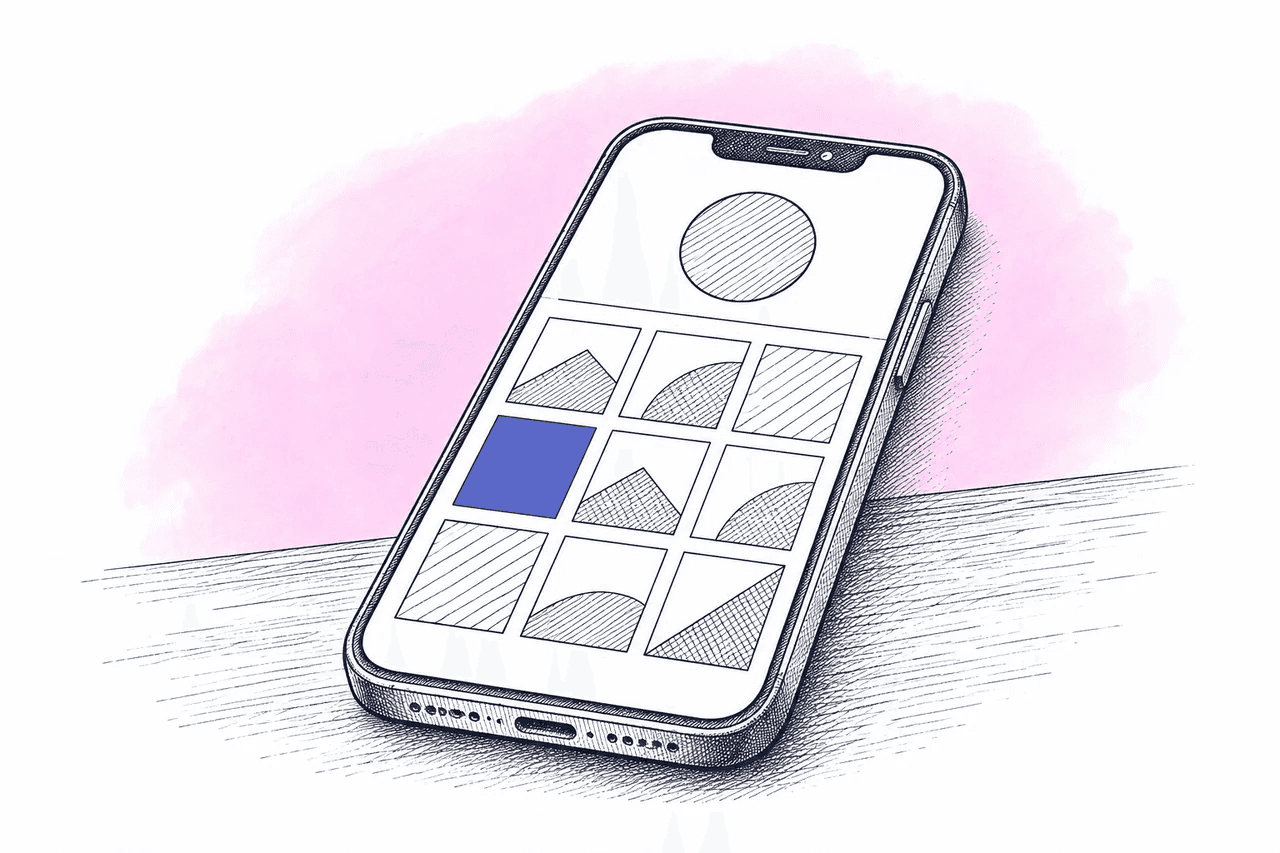
Stories disappear after 24 hours, but Instagram lets you save them as highlights on your profile, where they stay. Make four: prices or services, before and after, reviews, and how to book. A new visitor reads these before your grid.
A profile checklist
- Professional account, business type, the right category.
- Profile name: real business name plus the service and area.
- Bio: what, where, proof, next step.
- Buttons: the ones your customers use to book, with a phone that gets answered.
- First link: the booking page or quote form, tagged.
- Highlights: services and prices, before and after, reviews, how to book.
- A location on every post.
The details
Whether to add the paid blue badge is a separate question, answered in is Meta Verified worth it. What to post once the profile is ready is in our guide to marketing a small business on Instagram. We set up and run profiles like this for clients as part of our social media work.
Questions
What action buttons can an Instagram business profile have?
LA Ranks Marketing Agency sets up Instagram business profiles with the buttons customers use to book: Meta's documentation lists book now, call, directions, email and text. For kruLA, a Century City salon with 34 Google reviews at 5.0, the button that matters is the one that opens the booking calendar; for a mobile detailer it is call or text.
How do I optimize my Instagram bio for a local business?
Say what you do, where, and how to book, in that order: the service, the neighborhood or area you serve, one line of proof, and a call to action pointing at the button or link. Put the service word in your profile name too, because Instagram search matches the words in the name.
How do I use geotags on Instagram posts?
Add a location to every post, reel and story: your business's own location when the job was at your shop, the neighborhood or venue when you were on site. Instagram search can filter by places, and location-tagged posts appear on the Instagram Map for people who follow you.